
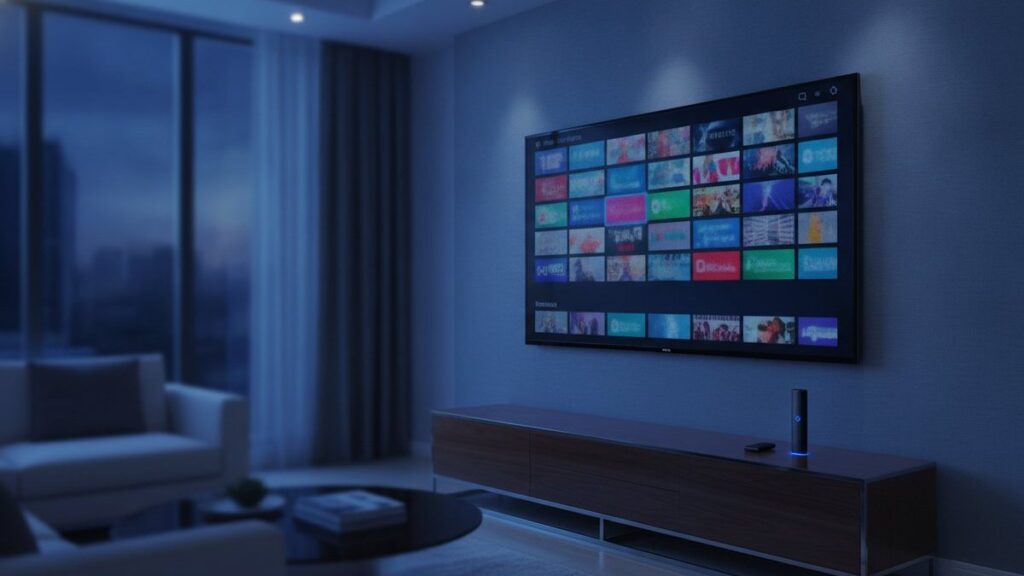
IPTV means television delivered over an ordinary internet connection rather than through a coaxial cable, a satellite dish or a rooftop aerial. A player app on your television, stick, phone or laptop holds a login from a provider, and channels arrive as data the same way a video call or a YouTube clip does. That is the entire concept. The rest of this page is the practical detail people actually need before spending money.
The short version
IPTV sends television to one viewer at a time, on request, as internet data. Broadcast sends the same signal to everybody at once whether they are watching or not. That single difference explains almost everything else about how it behaves.
How the picture actually reaches your screen
Broadcast television is indiscriminate. A transmitter or a satellite pushes every channel outward continuously, your tuner picks one out of the stream, and the other several hundred carry on arriving whether or not anyone is home. It is enormously wasteful and enormously reliable, which is why it lasted a century.
IPTV inverts that. Nothing is sent until you ask for it. Select BBC One and your player opens a connection to a server, which begins sending that channel and only that channel, cut into small numbered chunks a few seconds long. Your app collects several chunks before showing you anything, keeps collecting while you watch, and plays from that small reserve. The technical name for the reserve is a buffer, and it is the single most important thing to understand about this technology.
When the buffer is comfortably full, the picture is perfect. When your connection stumbles or the server is overloaded, the buffer drains faster than it refills, and the moment it empties the picture stops. That pause is what everyone calls buffering. It is not the channel breaking. It is the player waiting for data that has not arrived yet.
Why some services freeze and others do not
Two households on the same broadband can have completely different experiences with the same channel, and the reason is almost never the broadband. Four things decide it.
- How many people share each server. A provider that sells cheaply and buys thin server capacity will look fine on a Tuesday morning and collapse at kick-off on Saturday. Nothing about your setup changes; the queue in front of you does.
- Whether the stream has fallback versions. A channel offered in 4K, HD and SD gives you somewhere to drop to when the line is under pressure. A channel offered in one bitrate only either works or does not.
- Distance to the server. Data crossing an ocean has more opportunities to be delayed than data crossing a city.
- Your own connection at peak time. Not the number on your bill, but what you genuinely get at nine in the evening when the whole street is streaming.
This is why testing a service during a weekday morning tells you very little. Any provider looks competent when their servers are half empty. Test on a weekend evening, ideally during something popular, and you learn what you are actually buying.
IPTV is not the same thing as Netflix
People reach for Netflix as a comparison and it is a reasonable instinct, since both send video over the internet. The difference is what is being sent.
| Netflix and similar | IPTV | |
|---|---|---|
| What you get | A library of finished programmes | Live channels running to a schedule, plus a library |
| Live sport | Almost none | The main reason most people subscribe |
| News as it happens | No | Yes, from many countries at once |
| Who owns the content | The platform licenses or makes it | The provider carries existing broadcast channels |
| Programme guide | Not applicable | Yes, a familiar grid by channel and time |
They solve different problems. A streaming platform replaces a video shop. IPTV replaces a cable package, which is why the people who switch are usually the ones who were paying for cable mainly to watch live sport and news.
What you need to make it work
Less than most people expect, and usually nothing new.
A connection that holds up
Around 25 Mbps is comfortable for a 4K stream, and 10 Mbps is fine for HD. What matters more than the headline speed is consistency. A stable 30 Mbps beats an erratic 200 Mbps every time, because the buffer cares about the gaps, not the peaks. If Wi-Fi is weak where the television sits, a cheap Ethernet adapter solves more buffering complaints than any other single change.
Something to run the player on
A Fire TV Stick, an Android TV box, a Samsung or LG television made since 2016, an Apple TV, a Roku, a Windows or Mac computer, or a purpose-built MAG or Formuler box. Almost certainly you already own at least one of these. There is no dish, no installer visit and no equipment rental.
A player app
The app is only a shell. IPTV Smarters Pro and TiViMate are the two most people settle on, and neither comes with any channels of its own. They are empty until you enter a subscription, which is the part that confuses newcomers who install a free player and wonder why nothing plays.
A subscription
This is the part that costs money and the part that determines whether the experience is good. Everything above is commodity hardware and free software.
Xtream Codes, M3U and other words you will meet
Providers hand over credentials in one of two shapes, and the jargon puts people off unnecessarily.
An Xtream Codes login is three pieces: a server address, a username and a password. Most modern players ask for exactly these three and handle everything else themselves, including the programme guide. It is the easier option and the one we issue by default.
An M3U link is a single long web address containing your credentials as parameters. It suits players like VLC and Kodi that expect a playlist file rather than a login form. It carries the same account, in a different wrapper. Treat it like a password, because functionally that is what it is.
The EPG is the electronic programme guide, the grid showing what is on now and next. Good providers include it with the login. Its absence is a reliable sign of a thin operation.
Is any of this legal?
The technology itself is entirely legal and completely mainstream. Your telephone company almost certainly delivers television this way, and every major broadcaster runs an IPTV app. Nobody has ever been in trouble for using internet protocol to watch television.
The question that actually matters is whether a specific provider holds distribution rights for the channels it sells, and that varies enormously across a market with very little transparency. We have written a longer piece on the legal position that treats the question seriously rather than waving it away, because it deserves a straight answer rather than a marketing one.
Judging a provider before you pay
This is an industry with a real problem of sellers taking a payment and disappearing, so a little scepticism is well placed, including towards us. A few things separate an operation worth paying from one that is not.
- A trial that costs nothing. Anyone confident in their servers will let you test them. Use it during peak hours.
- Prices published in public. If you have to ask what it costs, you are being sized up rather than sold to.
- A refund policy in writing, with a stated number of days rather than a vague promise.
- Somewhere to complain that answers. A support channel that replies before purchase will usually reply after it.
- An actual website. A seller who exists only inside a social media account can vanish without trace, and frequently does.
Our own answer to all five is on the pricing page and the free trial page, and you are welcome to apply the same test to us that you would to anyone else.
Getting started, realistically
From payment to first channel is usually under a quarter of an hour. You choose a term, the account details arrive, you install a player on something you already own, type the details in once, and the channel list builds itself. Every device has its own walkthrough in our setup guides, with the exact menu names, because the wording differs between a Firestick and a Samsung and that is where people get stuck.
If it does not suit you, a written guarantee is more useful than any promise made before payment. Ours is seven days and it is on the refund policy page in plain language.
Frequently asked questions
How does IPTV work in simple terms?
A provider captures TV channels, compresses them into internet-sized video streams and stores them on servers. Your player app logs in with a username, password and server address, asks for a channel, and the server streams it to your device alone. It is the same mechanism as watching a YouTube video, applied to live television.
Is IPTV the same as Netflix or YouTube TV?
Technically they are all television over internet protocol. The difference is that Netflix and YouTube TV are closed services with their own app and licensed catalogue, while an IPTV subscription is an open login that works in any compatible player, with far more live channels. Netflix is never included in an IPTV plan; only titles that also appear on Netflix are.
Do I need a box to use IPTV?
No. Any device that runs a player app works: Amazon Fire TV Stick, Android TV, Samsung and LG smart TVs, Apple TV, iPhone, Android phones, Windows PC and Mac. Dedicated boxes such as Formuler and MAG are optional and mainly offer a nicer remote and guide.
What internet speed does IPTV need?
A steady 8 Mbps handles one HD stream and 25 Mbps handles one 4K stream. For two TVs at once, plan on 30 Mbps. Stability matters more than headline speed, and a wired Ethernet connection to the TV device removes most buffering caused by Wi-Fi.
Why do free IPTV lists stop working?
A free M3U list is one account shared with thousands of people. The server either blocks it or cannot serve them all, so channels die within days and the survivors freeze during popular events. A paid subscription is a private account on servers sized for peak hours, which is what you are paying for.
Is IPTV legal?
The technology is legal everywhere; licensed services such as Hulu, Sling and YouTube TV are IPTV. What matters is whether a provider holds the rights to the channels it carries, which varies. Enforcement in the US targets operators, while some UK and EU viewers have received warnings. Read our legality guide for a country-by-country answer.
Ready to watch 25,000+ channels?
Order on WhatsApp and get your login in under 15 minutes. 7-day money-back guarantee.
Related articles
Best IPTV Box in 2026: Formuler Z11 vs Nvidia Shield vs Fire TV Stick 4K Max
The best IPTV box for most people is a Fire TV Stick 4K Max; daily viewers should look at the Formuler Z11…
September 4, 2026Best IPTV Apps in 2026: TiViMate vs Smarters vs Smart IPTV vs IBO Player
There is no single best IPTV app, only the best one for your device. We installed seven players on a Firestick, a…
September 2, 2026How Much Does IPTV Cost in 2026? Real Prices From 5 Providers
IPTV costs $15 for a month and $59 to $85 for a year on one device, which is $5 to $7 a…